
My Matches: one workspace for artists, concerts, and drama opportunities
A product guide to the Cultiq My Matches workspace—AI matches, brand shortlists, concert saves, artist requests, and drama integration activity in one place.
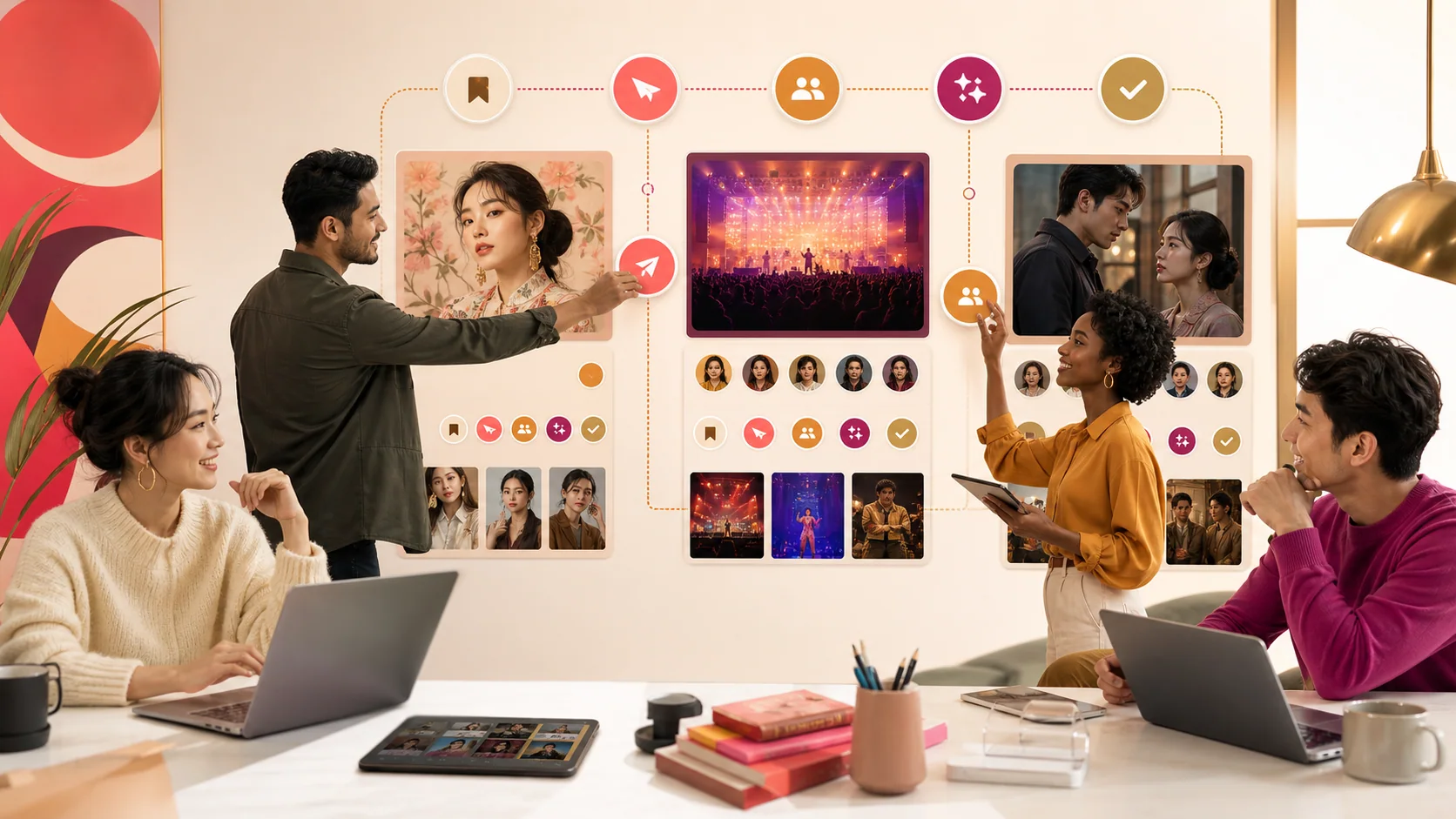

- Saving an opportunity preserves the research. Requesting an opportunity begins the workflow. My Matches keeps the difference visible.
Discovery creates options. My Matches keeps those options from disappearing across tabs, screenshots, and spreadsheets. It brings artist recommendations, saved brand matches, concert opportunities, artist requests, and drama activity into one partnership workspace.
The workspace after discovery
A brand may explore artists, concerts, and drama opportunities during the same planning cycle. Each surface produces candidates, but the decision needs one place where options can be saved, compared, and advanced.
My Matches is that operational layer.
TakeawaySaving an opportunity preserves the research. Requesting an opportunity begins the workflow. My Matches keeps the difference visible.
All Matches
The combined view gives a broad picture of current partnership activity. It can include AI recommendations, saved shortlists, submitted requests, drama activity, and concert opportunities.
Use it for the portfolio question:
- What are we considering?
- What needs action?
- What is under review?
- Which partnership type is carrying the brief?
Brand Matches
Brand Matches contains saved artist options. These are candidates worth preserving after discovery or recommendation.
A saved match should contain a reason:
- Audience alignment.
- Market relevance.
- Category affinity.
- Momentum.
- Budget or deal fit.
Use the shortlist to align internally before submitting a formal request.
Artist requests
When an artist is ready to advance, a match request captures the artist, deal type, market, budget, and relevant campaign context.
The request moves the opportunity from research into review. It does not guarantee availability or terms.
Track the status and keep the original rationale attached so the commercial conversation does not lose the evidence behind the choice.
Concert opportunities
Saved concerts and sponsorship requests appear in the concert view. Review event, city, venue, date, market, and heat context before advancing.
Use the workspace to distinguish:
- Saved for evaluation.
- Requested for sponsorship review.
- Confirmed or active opportunities, when applicable.
Drama opportunities
Drama shortlists and integration requests bring selected titles, markets, genres, platforms, opportunities, and request context into My Matches.
This is especially useful when a brand is comparing an artist endorsement with a drama placement under one campaign objective.
Status as workflow context
Statuses help the team understand what happens next: pending review, reviewing, proposal development, contacted, negotiation, confirmed, or another supported stage.
Status is not a substitute for communication. It is a shared operational signal.
A weekly My Matches review
Run a short review with five questions:
- Which saved options are still relevant?
- Which candidate has enough evidence to request?
- Which request needs new information?
- Which opportunity has changed due to timing or live signals?
- Which duplicate or stale option should be removed?
The goal is a clean decision workspace, not an archive of every interesting name.
Compare partnership types
Artists, concerts, and dramas create different value:
- Artist: identity, fandom, endorsement, and ongoing association.
- Concert: live demand, fan experience, sponsorship inventory.
- Drama: narrative integration, cast association, episodic and platform reach.
My Matches lets the brand keep those routes visible while the brief decides which one moves forward.
Common mistakes
- Treating every saved item as approved.
- Submitting requests before internal prioritization.
- Leaving stale candidates in the shortlist.
- Comparing opportunities without one campaign objective.
- Assuming a status means availability is guaranteed.
- Losing the FitMatrix or audience rationale after submission.
Keep the pipeline intentional
The healthiest workspace has fewer, better options with clear next actions. Discovery should expand the possibilities; My Matches should narrow them toward a decision.
Frequently asked questions
Depending on activity, the workspace can show AI matches, saved artist brand matches, concert saves and requests, artist requests, and drama integration opportunities.
No. Saving builds a shortlist; a request sends structured partnership context for review.
No. It organizes workflow status. Availability, negotiation, contracting, and confirmation happen through the relevant process.

From shortlist to match request: what happens next in Cultiq
A feature walkthrough of moving an artist from a saved brand shortlist into a structured match request with deal type, market, budget, and trackable status.

Risk Profile: brand safety before you sign a K-pop deal
Brand-safety risk is real downside in fandom markets — and the worst time to find it is after signing. How to read FitMatrix's Risk Profile and price it in up front.

K-pop brand deals in 2026: what actually drives fit
Not every viral artist is a fit. A field guide to the dimensions that separate a headline from a real brand outcome — and how to read them before you spend.